Jimmy John’s Delivery 2026: Fees, Minimums, Delivery Area & How It Works
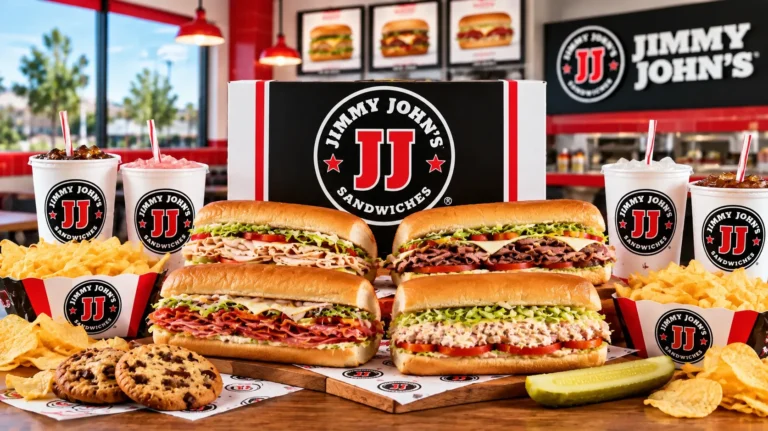
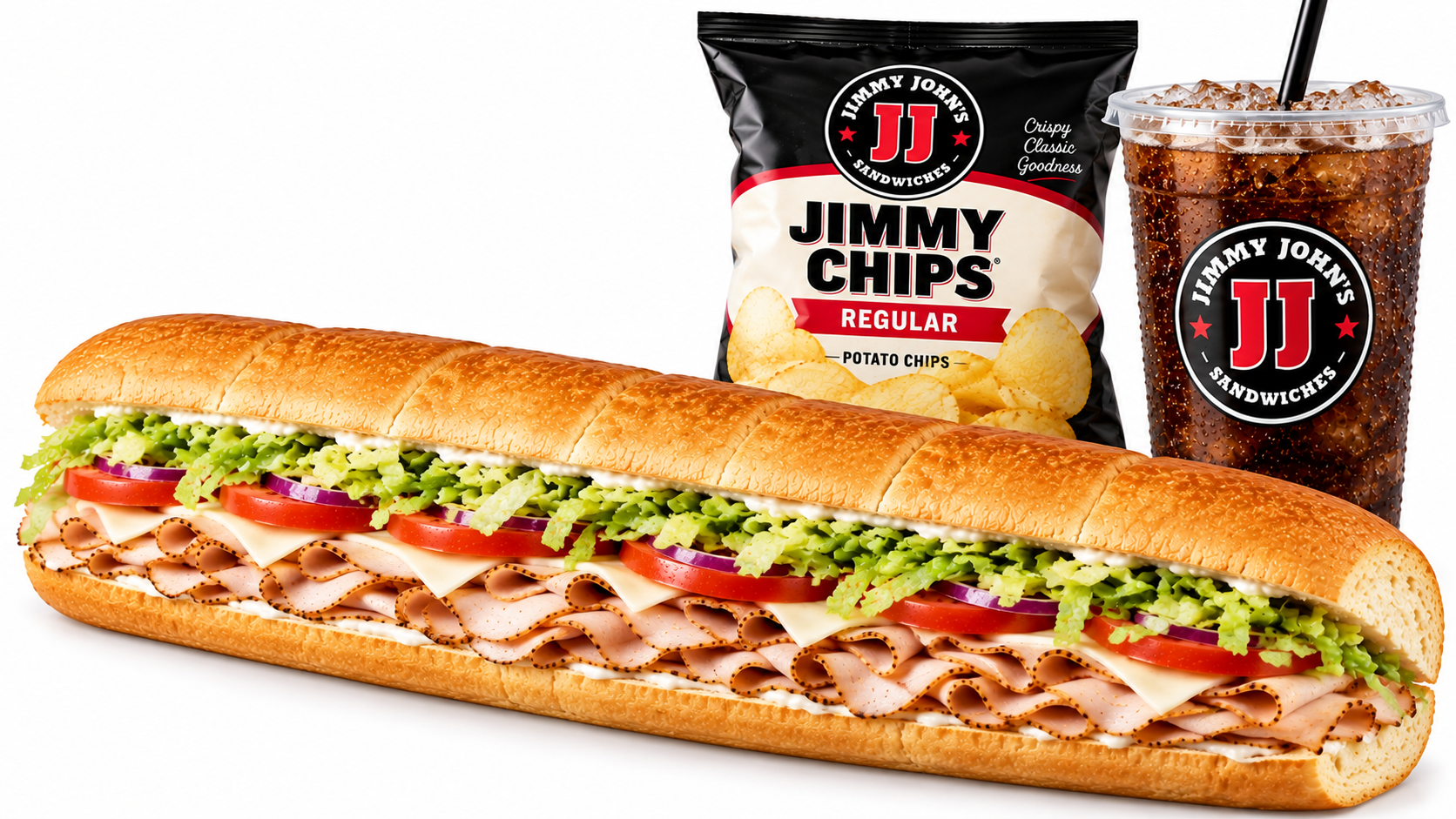
Jimmy John’s built its whole reputation on two words: freaky fast. The chain doesn’t just promise quick delivery as a marketing slogan — it actually designs its stores around it, which is why a sandwich can show up at your door minutes after you order it, with the bread still tasting like it just came out of the oven. But that speed comes with a catch, and if you’ve ever typed your address into the Jimmy John’s website only to be told delivery isn’t available to you, you’ve already met it.
This guide breaks down exactly how Jimmy John’s delivery works in 2026 — the fees, the minimums, the delivery area rules, your ordering options, and what to do when your address falls outside the zone. One honest note up front: delivery fees and minimums are set store by store, so the numbers below are typical ranges, not guarantees. Always check your local shop’s page before you order.
How Jimmy John’s Delivery Works
The secret behind the speed is geography. Most Jimmy John’s locations keep their delivery zones deliberately small — historically around a five-minute radius from the shop. That’s tiny compared to most delivery restaurants, and it’s entirely on purpose. A driver who only travels a few minutes can get your sandwich to you before the lettuce wilts and the bread goes soft.
Here’s the simple process:
- Enter your address on jimmyjohns.com, in the app, or on a third-party delivery app.
- The system checks whether you’re inside that store’s delivery zone.
- If you are, you build your order, pay, and a driver heads out — often within minutes.
- If you’re not, you’ll be offered pickup instead (more on workarounds below).
Because every store draws its own Jimmy John’s delivery zone, the same street can be covered from one location and not another. Apartment complexes, office parks, and new housing developments are the most common “just outside” cases.
Delivery Fees and Minimum Orders
Jimmy John’s delivery is refreshingly cheap by modern standards. Where a fee is charged, it’s usually modest — often somewhere around $1.50 to $3.00 — and some locations run free-delivery promotions from time to time. Many stores also set a minimum order for delivery, commonly around $8 to $10, so a single cookie probably isn’t making the trip by itself.
Third-party apps are a different story. Order the same sandwich through DoorDash, Uber Eats, or Grubhub and you’ll typically see:
- Higher menu prices than in-store
- A separate delivery fee
- A service fee on top of that
It’s not unusual for the app version of an order to cost several dollars more than ordering direct. The trade-off is reach: third-party platforms often deliver beyond the store’s own small zone.
Don’t Forget the Tip
That small delivery fee is not a tip, and it doesn’t all go to your driver. Jimmy John’s delivery drivers rely on tips the same way any other delivery driver does, so plan on 15–20% of your order, or at least a few dollars on a small order. If someone brings you a hot sandwich in ten minutes flat, a fair tip is part of the deal.
In-House Delivery vs. Third-Party Apps
You have three realistic ways to use Jimmy John’s delivery, and they’re not equal.
Ordering Direct (Website or App)
This is the cheapest route and the true “Freaky Fast” experience. You get in-store menu prices, the lowest fees, and your order earns JJ Rewards points (10 points per $1, which add up to free sides, desserts, and sandwiches). The limit is the zone — direct delivery only reaches addresses inside that small radius.
DoorDash, Uber Eats, and Grubhub
Third-party apps widen the delivery area considerably, and they’re often the only Jimmy John’s delivery option if you live just outside a store’s zone. You’ll pay more in fees and menu markups, and your JJ Rewards points won’t apply — but the sandwich still arrives. If you’re ordering for a group, compare the final checkout totals; the difference between direct and third-party can pay for an extra sandwich.
How Long Does Delivery Take?
Inside the zone, during normal hours, Jimmy John’s delivery is genuinely fast — 10 to 20 minutes is a realistic expectation for many stores, and sometimes quicker. But be honest with yourself about timing:
- Lunch rush (roughly 11:30 a.m.–1:30 p.m.) slows everything down. Order before noon or after the rush when you can.
- Bad weather creates a surge of orders and slower roads at the same time.
- Large group orders take longer to build, even before the driver leaves.
If you’re on a tight lunch break, ordering ahead for pickup is sometimes the safer play — the sandwich waits for you, not the other way around.
Outside the Delivery Zone? Your Options
Getting the “we don’t deliver to this address” message from Jimmy John’s delivery is frustrating, but you have options:
- Order pickup instead. Jimmy John’s shops are quick with pickup orders, and many locations have a drive-thru or a dedicated pickup shelf.
- Try a third-party app. DoorDash, Uber Eats, and Grubhub frequently cover addresses the store’s own drivers don’t.
- Check a different nearby store. If two locations are close to you, their zones differ — the other shop may cover your street.
- Save the address for work or school. Plenty of people who live outside a zone are inside one at the office. Delivery to work is a Jimmy John’s tradition for a reason.
Group and Catering Delivery
Ordering for the office or a party changes the math. Jimmy John’s catering — sandwich platters, box lunches, giant party subs — is available for delivery from many locations, and catering orders are the exception to the small-zone mindset: stores will often arrange delivery for larger orders with advance notice. Order catering at least a day ahead when possible, confirm the delivery fee and minimum for your store (catering minimums are higher than a single sandwich), and give the shop a realistic headcount so nothing runs short.
FAQs
Final Word
Jimmy John’s delivery is a trade-off, and it’s a fair one: a deliberately small delivery area in exchange for sandwiches that actually arrive fast and fresh. If you’re inside the zone, order direct — you’ll pay the lowest fees, keep in-store prices, and earn rewards points while you’re at it. If you’re outside it, third-party apps and quick pickup runs mean you’re rarely more than a few minutes from a sandwich anyway. Check your address, know your store’s fee and minimum before checkout, tip your driver properly, and enjoy the freaky fast part — it’s the real deal when the zone is on your side.